Content
Tips for your design application

Are you planning to apply for a Design at our office? To find out which documents you need and how to file your application, choose Application from the drop-down menu under "Designs" on the menu bar. Here we have compiled some practical tips for you.
What you have to submit with your application
In your design application you have to
- indicate who the design applicant is
- graphically represent the design(s) applied for and
- specify one product for which the design is used. More information is available in our leaflet
 Information for Design Applicants.
You can either apply for your design with DPMAdirektWeb or online or by filling in the request form (1,09 MB) (in German) and sending it in by post.
How to reproduce the designs
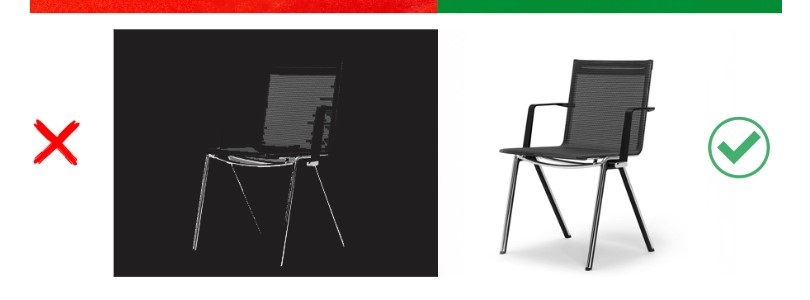
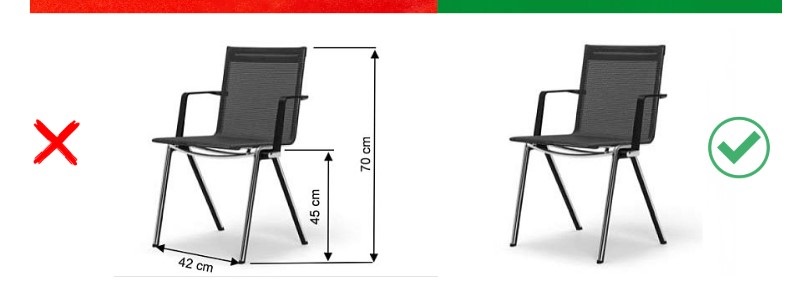
The design reproductions (representations) are the centrepiece of your application. They form the subject matter of protection of your registered design. This means that only what is visible in the representation is protected. The design drawings should therefore be of good quality and clearly show all design features. If you submit photos, they should not be blurred or overexposed/underexposed. Avoid unwanted reflections or shadow casts on and next to the subject matter of the design. Please also make sure that the design stands out well from the background and that there are no other objects on the repro-ductions that are not part of the design. Dimensions, lettering and explanations must also not be included in the representations. Explanatory texts concerning the features of the design can be submitted in a supplementary description.
Example 1: Representation in front of a neutral background
- on the left – wrong: black chair against a black background; on the right - right: design is shown against a neutral background
Example 2: Representation without dimensions and lettering
- on the left – wrong: representation with dimensions; on the right – right: representation without dimensions and lettering
How to display graphical disclaimers correctly
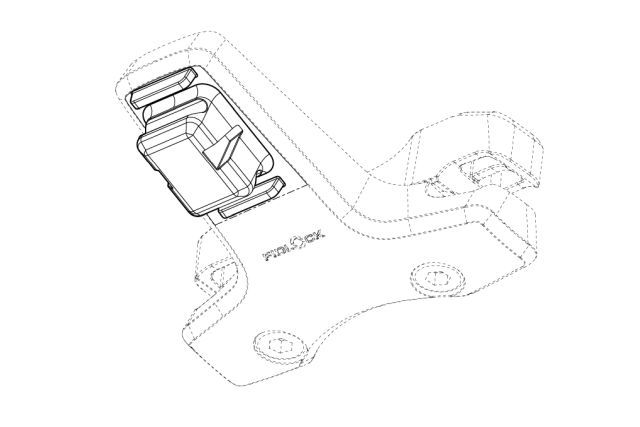
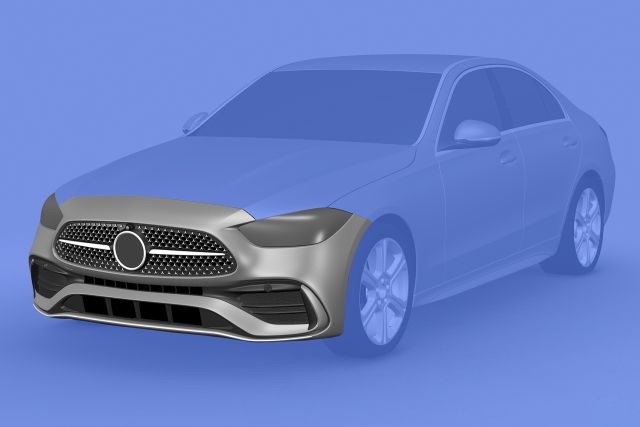
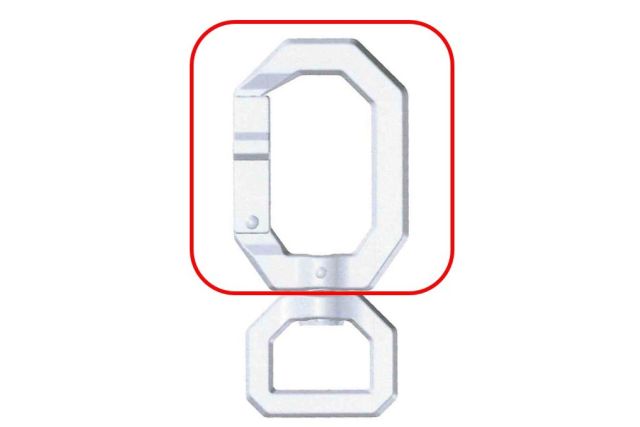
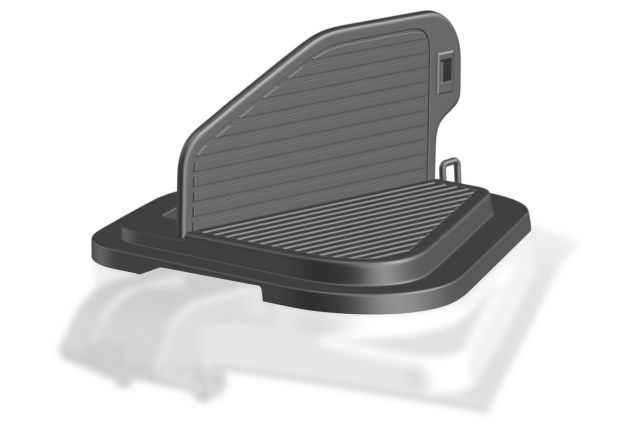
For example, if you use line drawings to reproduce your design, you can use dashed lines for the unprotected parts. If you wish to represent your design with photographic or computergraphic reproductions, colour shading, blurring and boundaries will be accepted.
It often makes sense to provide additional clarification of the graphic disclaimer in the design description. Here, for example, you can specify that parts highlighted in colour are not to be covered by design protection, or that dotted lines serve as a graphic disclaimer.
Examples of disclaimers
Possible disclaimers include: line drawings, colour shading, outlines, blurring
Common communication on convergence on graphic representations of designs
More information on the graphical disclaimers and other requirements for the representations of designs can be found in the joint communication Konvergenz bei grafischen Wiedergaben von Geschmacksmustern (2,79 MB) (Convergence on graphic representations of designs) (in German).
How to apply for different design variants of a product
You may not submit several design variants of a product (for example different colours and shapes) as a single design. In order to have different variations of a product protected, you must apply for each design variant as a separate design; a multiple application is also possible for this purpose:
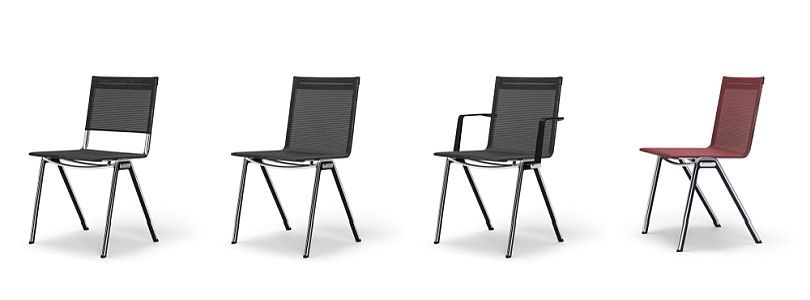
different design variants of a product: design 1, design 2, design 3, design 4, also possible as multiple application
Please also note that a registered design provides protection only for a specific product design. Design protection is not available to an idea or a design concept as such detached from a concrete product.
Where to search for the indication of product
You must specify a product for each design. This means that you have to name the product you want to have protected (for example: sofas, drinking cups or mobile phones). As a rule, it is sufficient if you specify an appropriate product term. You can specify a maximum of five terms. You can search online for the accepted terms for the indication of product using the search engine provided by the DPMA. Proper names or fanciful terms cannot be considered.
Examples: Logo or graphic
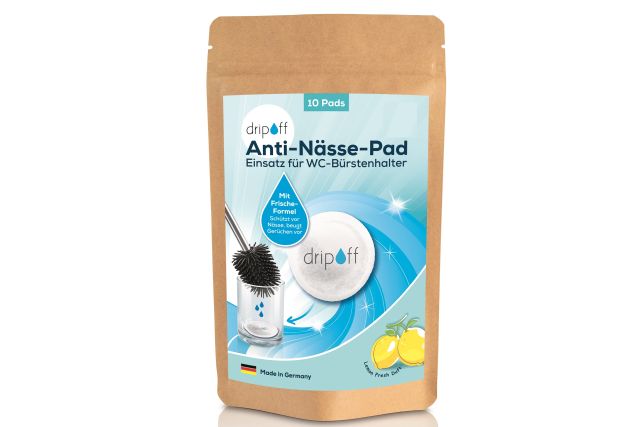
For example, if you want to protect a logo or graphic, select the term “Logo” or “Graphics” from Class 32-01 as the product description, even if you plan to apply that graphic to physical items (such as mugs, clothing, or packaging) later on. If, on the other hand, you wish to protect the product on which the graphic is applied, specify the term for the product itself.

What you should consider with the description
You may — but are not required to — submit a description of the design representations. It often makes sense to submit a description to explain the depictions. This may be the case, for example, if you are filing an application for a set of multiple items and wish to clarify that all the depicted items are to be protected together. A description can also be useful for explaining a graphic disclaimer or the different perspectives from which you are showing your design. Even if you show your design in different states, an explanation can be helpful for understanding your design.
This design description may only refer to the features of the design visible in the representations and describe them verbally. You should neither describe the function of the depicted object nor point out design alternatives (for example, with regard to color schemes) nor explain the design concept or the problem underlying the design. If the description does not meet these requirements, the registration of the design may be delayed.
Examples of design descriptions:
- "Figure 1 shows the product from a perspective view. Figure 2 shows the front view of the product. Figure 3 shows the rear view of the product."
- "The parts shown in faded color are not covered by the protection."
- "The figures show a combination product (set) consisting of [...]."
How to specify applicant and representative in full
Please ensure that your data of the applicant are correct and complete. In particular, the data of the applicant should clearly indicate whether the person is a natural person, a registered merchant or a legal person.
- If you are a sole trader but are not registered as a merchant, you must file the application in your own name. The company or business name alone is not sufficient.
- If you are entered as a company, association, business enterprise etc. in a register (for example in the commercial register or in the register of associations), the data of the applicant must correspond to the respective entry in the register.
- If you are a partnership under the German Civil Code (GbR), you must also name at least one partner authorised to represent you.
Picture: iStock.com/Altayb, Picture 2, 3 und 5: SCHNEEWEISS AG
Last updated: 30 March 2026
Not only protecting innovations
Social Media